Gamepad-controlled cube demo (one cube per connected gamepad)
← All examples10_gamepad
Each connected gamepad owns a cube in its own colour. Cubes appear when a pad is plugged in and disappear when it is unplugged; hot-plugging is handled every frame from mk_gamepad_connected(). Each pad drives its own action map, so bindings are per-player rather than global. Per-player controls: - Left stick / dpad: Move cube XZ - Right stick: Orbit the shared camera - Triggers: Scale cube up/down - A button: Jump (bounce effect) - B button: Rumble feedback - LB/RB: Rotate cube - Start: Reset that player The keyboard drives player 1 (WASD/Arrows/Q,E/Space/R). With no gamepads connected at all, player 1's cube stays up so the demo is still usable.
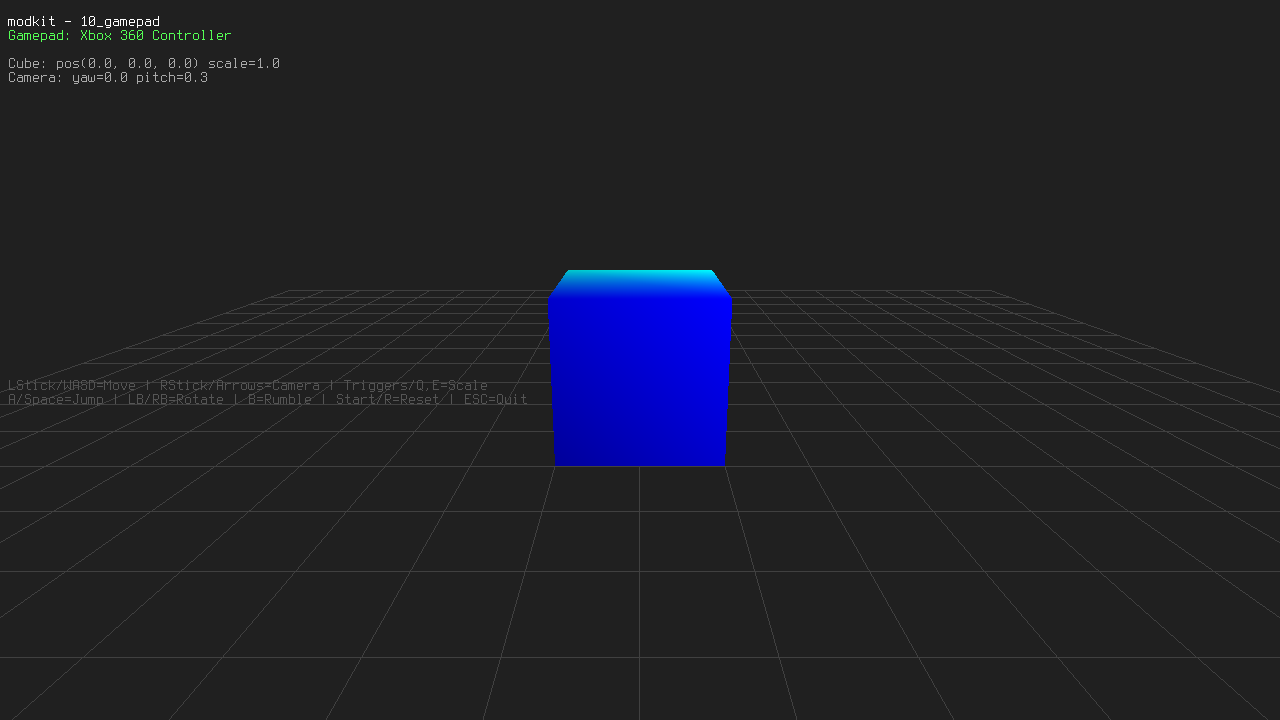
Runs the WebAssembly build on this page. Click the canvas to give it keyboard focus.
- Number
- 10
- Tags
- Source
examples/10_gamepad/main.cexamples/10_gamepad/build/SDL3/include-config-/build_config/SDL_build_config.hexamples/10_gamepad/build/SDL3/include-revision/SDL3/SDL_revision.hexamples/10_gamepad/build/SDL3/CMakeFiles/CMakeTmp/SDL_detect_arch.cexamples/10_gamepad/build/SDL3/CMakeFiles/SDL3-static.dir/cmake_pch.hexamples/10_gamepad/build/SDL3/CMakeFiles/SDL3-static.dir/cmake_pch.h.cexamples/10_gamepad/build/CMakeFiles/4.2.1/CompilerIdC/CMakeCCompilerId.c
Build and run
./scripts/build-linux.sh release --target=10_gamepad --run